RingCentral is our Preferred Partner for Cloud Phone Services
Crystal Clear, Seamless Communication with RingCentral
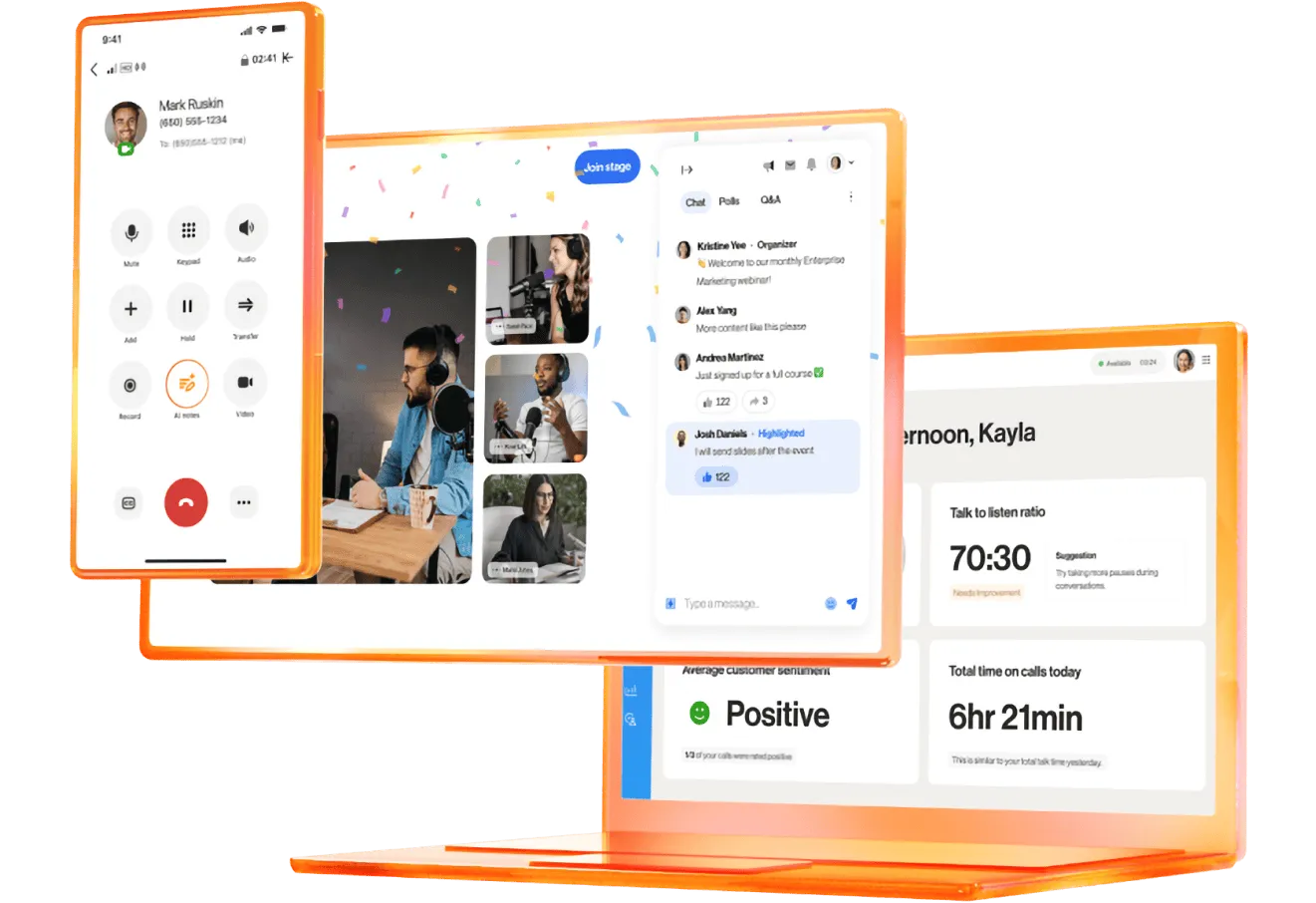
With RingCentral, you get the power of Click to Call and Automated Text Messaging built right into your CRM, making it easy to instantly connect with leads and customers while keeping every conversation timely, efficient, and organized—all without leaving your workflow.
AI Automation of Sales Calls and Follow Ups with SalesNexus
“AI Automation of Sales Calls and Follow Ups with SalesNexus” demonstrates how the SalesNexus CRM uses AI (Nexi) and automation to streamline the sales process.
AI-Powered Sales Coaching
The “Nexi AI” assistant provides real-time strategic tips and recommendations for emails and call topics directly on the prospect’s profile
Here I am on Amanda my prospect, and you can see over here on the right automatically our Nexi AI is giving me strategic tips recommending what emails I should send to Amanda, what I should talk about when I call her and so on. That just happens for every customer as you’re navigating through the system.
Automated Call Transcripts and Context-Aware Follow-Ups
By connecting to services like Twilio or RingCentral, the system automatically records and transcribes sales calls. These transcripts then serve as context for the AI.
You can see here when I call Amanda, I can click, we can connect to your Twilio, your Ring Central account, I can click right here it dials my phone you can have it dial your mobile phone or your phone on your computer. When it does that, it’s going to record the call and create a transcript. If I want to play the recording I always have that, management can
access it, and I have a full transcript of the entire conversation that just happens automatically.
In the conversation with Amanda I was asking her about a solar install on her house and I asked her all these details about it, and all of that information then becomes context for the AI so when I want to send Amanda a followup after that conversation, I go over here to Nexi and click strategic or suggested actions and right here it’s suggesting an email. It’s using that information to write the appropriate email so I hit apply and it’s going to give me a preview of the email.
I can then make edits to the text and so on. It puts in my signature as defined by the user, and then I hit send, and off the email goes to Amanda. Moreover, you can see here we’re also connecting to your Gmail or your Outlook account and so all your email conversations with every customer are archived automatically and I can expand any of them and take a look at what we’ve previously emailed about. I can hit reply, and again Nexi is going to write a reply for you based on the context of that conversation and everything else that we know about Amanda in the CRM.
Pipeline Automation:
- Automated Movement: Prospects move through sales stages automatically based on completed tasks [04:11].
- Stalled Lead Management: You can set triggers to send specific emails or move leads to a “cold” pipeline if they remain inactive in a stage for too long [05:08].
- Marketing Funnels: The system supports “drip” automations where leads move forward in the funnel if they engage (e.g., click an email) or move to different funnels if they don’t [07:01].
Now because I had that call with Amanda where she gave me the details I need in order to put together a proposal for her, she has automatically been added to my sales pipeline. I can drag opportunities from one stage to another but also SalesNexus can do that automatically.
Automated Movement
Let me show you how that works for every stage. I can create automations, I can come in and say when a task is completed. Then I want to automatically move her to the next stage, so if my task is to create that proposal when I complete that, it’s automatically going to move Samantha to the next stage, and then I can create automations for that stage as well. Then I automatically want to send them an email, and I choose the campaign that I want to send, and now that trigger has been set up and you can have multiple triggers for every stage.
Stalled Lead Management
I could also say when they’re stalled in this stage. Then I want to send a different email, so we’ll pick the right campaign and determine how long it takes to be stalled.
So it’s been in this stage for too long, and you have a lot of options: you can send a text message, you can post a web hook, you can create a note, you can assign to a different user, you can assign to the best performing user – all kinds of options so that your entire pipeline is being automatically moved forward. And even the ones that stall are getting the right attention. Let’s say they get here to the qualification stage, and nothing happens; they kind of go cold on you. Well I can create another one that says when they’re stalled in this stage, then I want to move them to a different pipeline because they’ve gone cold.
Marketing Funnels
In addition to sales pipelines, I have marketing goals. They work similarly, but it’s more like a funnel where you’re just automating the communication.
And you can create triggers. So for every step I’ve already set those up: when they first come into this stage they’re going to get an email, when they’re stalled in this stage they’re going to get another email, when they’re stalled for way too long, they get moved to a whole other pipeline which is my super cold leads. And when they click an email that I’ve sent to them, then they automatically get moved to the next stage in the pipeline and so you can create a sort of a drip system where they keep getting emails, ff they engage, they move down in the funnel; if they don’t engage, they move backwards in the funnel or into a different funnel.
You can really automate the entire process so that you’re staying focused on individual customers who are showing you they’re qualified. And when you’re working with those customers, you’re not spending a lot of time doing a lot of follow-up work and writing emails, Nexi is doing all the work for you.
SalesNexus is also integrated with these popular VOIP phone systems. SalesNexus also works with Jive, Comcast, Vonage, 3CX and other VOIP phone systems.
