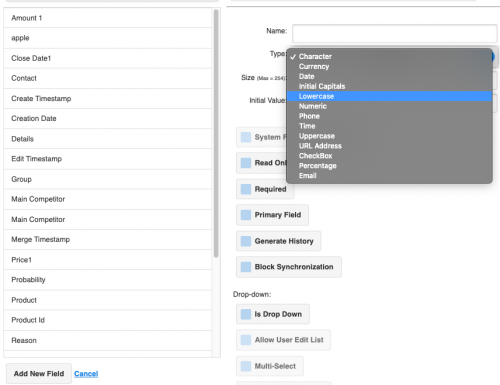
Add New Fields to the Opportunities Page

Add New Fields to the Opportunities Page

Want to add new fields to SalesNexus for the Sales Opportunity Page? First, you’ll add the fields to SalesNexus, as shown in Step 1, and then you’ll add them to your Sales Opportunity Layout as shown in Step 2. Read on for details. Step 1 Go to the “X” menu > System Settings > Create […]
Read More
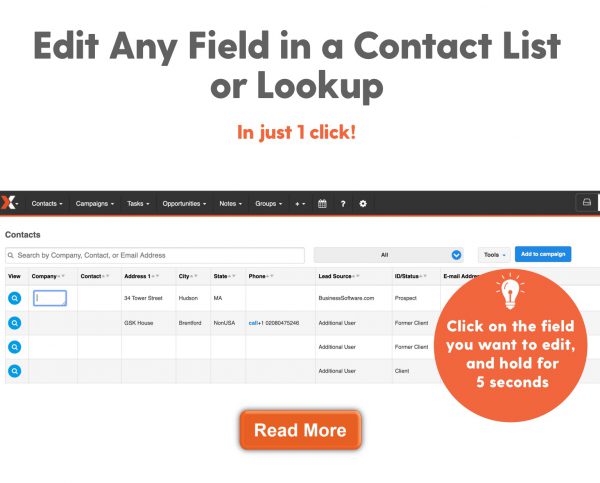
Easily Edit Info on Lookups and View All Contacts Screen

Easily Edit Info on Lookups and View All Contacts Screen

Applies to:  R4 Version Edit Information on Lookups and View All Contacts Screen by simply Clicking & Holding on any Field To do this, follow below: Click on the Field you want to edit, and hold for 5 Seconds NOTE:  To reduce the amount of time required to “hold” the click, go to X > My […]

Read More